

GitLens
@gitlens
Followers
1K
Following
180
Media
178
Statuses
341
GitLens is the #1 Git extension for @code & part of @GitKraken’s DevEx platform: orchestrating agentic workflows with 40M+ devs at 100K orgs 🚀
Joined December 2018

Just (re)discovered @gitlens while ive been playing with @cursor_ai - forgot how muched i love this tool. Blame, history, context, authorship. It really helpos with my.... ahem.... messy repos. Being able to see the full story in an easy to read visual. Any contenders do
0
1
1



From 336K to 44M installs. @GitLens hit a milestone that shows what happens when you solve real problems for developers. We started with a simple idea: make Git history visual, intuitive, and actually useful inside VS Code. Eight years later, developers have spoken. Thanks for
1
2
7

Nah @gitlens devs cooked heavy 😭🙌 It’s been saving me a whole lot of stress lately.
0
1
3
"MCP is described as USB for AI. Just like you can plug all these different devices into your computer and as long as they talk USB, your computer can access them and gets all these new capabilities. Well, MCP is the same exact thing for AI. So you can plug into your AI agent
0
1
4
Want the full deep dive? Check out the 17.7 release notes here 👇 https://t.co/PSPrbJjjIU
help.gitkraken.com
Find out what’s new, what’s fixed, or just take a trip down memory lane remembering those bugs of yesterday.
0
0
0
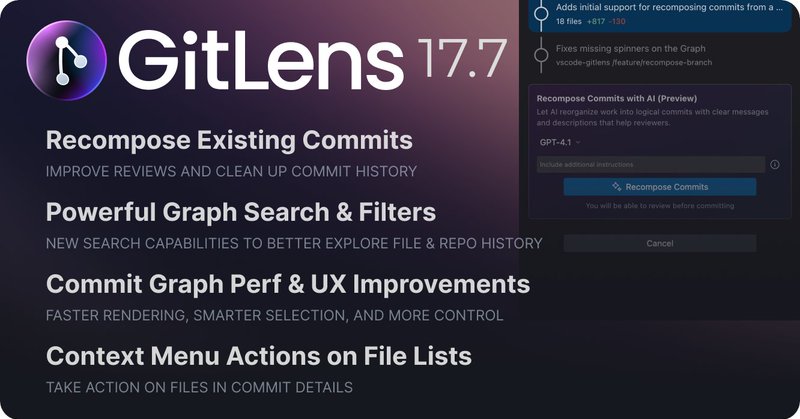
GitLens 17.7 is available now in VS Code, Cursor, Windsurf, Trae & Kiro Whether you're cleaning up commit history, tracking down changes, or exploring file evolution,this update has the tools you need Try it out and let us know what you think
1
0
0
Commit Graph performance improvements: - Faster rendering with large changesets - Better selection behavior - More responsive overall All the polish that makes daily work smoother
1
0
0
Small improvements that add up: The WIP row now shows number of changed files and lines Auto-selects when you have working changes Focused row preservation keeps your context during refreshes
1
0
0
Right-click any file in Commit Details to: - Open it - View history - Apply changes - Compare diffs All the file actions you expect, right where you need them
1
0
0
COMMIT DETAILS LEVELED UP - Commit reachability now shows which branches/tags contain each commit - See exactly where your changes have propagated across the repository - Files that match graph search queries are highlighted for easier tracing
1
0
0
FILE HISTORY VISUALIZATION Right-click any file → "File History" → "Open File History in Commit Graph" Get a filtered view of every commit that touched that file Makes understanding code evolution way easier
1
0
2
SOLO BRANCHES & TAGS New "Solo" action lets you focus on one branch or tag It automatically hides everything else using a ref: filter Perfect for feature reviews or deep-dive debugging when you need to zero in on specific work
1
0
0
The new search operators unlock even more: - ref: = search by refs or commit ranges - is:tip / type:tip = show only branch and tag tips - Arrow through previous queries Finding what you need is way faster now
1
0
0
Commit Graph also got a SEARCH UPGRADE More filters are now included in natural language queries: "show me all commits on feat/new-api that aren't on main" "commits after v17.6.0" No weird syntax to memorize. Just type what you're looking for.
1
0
0
Commit Composer is now faster and handles more cases: - Works with untracked files - Supports new repos before initial commit - Way faster rendering with large changesets Quality of life improvements that make a difference
1
0
0
- AI analyzes your branch and recomposes changes into logical commits - Set custom instructions to match your team's conventions - Review everything before applying changes - Choose your preferred model Full control over your commit story
1
0
0
Recomposing Entire Branches Commit Composer can now take all commits on a branch and recompose the changes into a clear, concise story with new commits. Perfect for cleaning up before code review
1
0
0