

Nutrient
@nutrientdocs
Followers
3K
Following
1K
Media
982
Statuses
5K
Nutrient delivers the building blocks for modern businesses with SDKs, cloud-based document processing, low-code solutions for M365, and workflow automation.
We’re global!
Joined August 2012
You kept hearing about product-led growth in every SaaS conversation, but it only clicked once you saw AI actually do it. Turns out "just vibes" has an architecture. This journey through PLG evolution shows how Nutrient uses AI everywhere — from chatbots in docs to MCP servers
nutrient.io
Discover how AI is transforming product-led growth (PLG) strategies — reducing time-to-value, automating onboarding, and helping companies like Nutrient deliver instant user success.
0
0
0
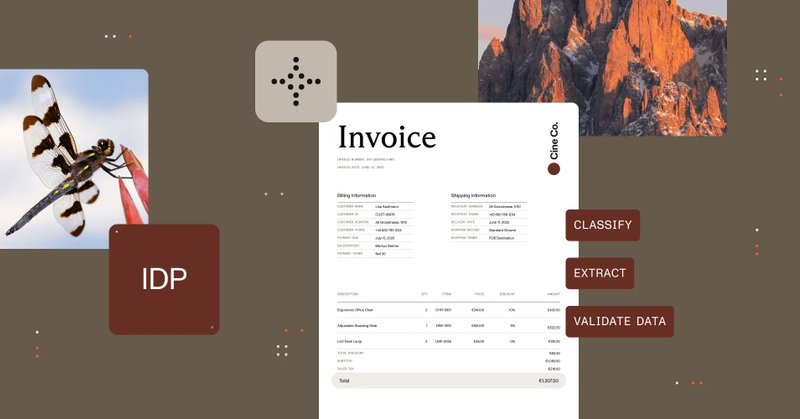
Your team spends 40 percent of their time on manual data entry from documents. That's not a productivity problem; that's an expensive staffing decision you're making every quarter. Intelligent Document Processing extracts data from invoices, contracts, and forms automatically
nutrient.io
Intelligent document processing automates data extraction from documents using AI. Learn how IDP works, compare it to OCR and manual methods, explore use cases, and discover ROI benefits.
1
1
2
Android 15 forces edge-to-edge layouts by default, which sounds great until your content starts hiding under system bars like it's playing peek-a-boo. Users can't tap buttons they can't see. This guide covers both Jetpack Compose and XML approaches — use Scaffold with

nutrient.io
This article shows how to make sure your app content isn’t overlapped by system components when edge-to-edge is enforced.
0
1
1
Nutrient isn't playing the "our product roadmap is collecting dust" game. We just appointed three executives who've actually been there: Richard Malloy — our first sales hire, now CRO after 10 years of building with us Kari Elassal — CFO with two decades scaling tech companies
0
2
4
Tesseract is Google's open-source OCR engine supporting 100+ languages. This Python guide shows how to extract text from images using pytesseract, including preprocessing techniques like grayscale conversion and adaptive thresholding to improve accuracy. Works well for clean

nutrient.io
Learn how to use Python with Tesseract OCR and the pytesseract library to extract text from images. Includes setup, image preprocessing, and advanced accuracy tips.
0
1
1
Digital signature pads eliminate printing, scanning, and mailing documents back and forth. This React tutorial uses Nutrient Web SDK to build a signature component that lets users draw and insert signatures directly into PDFs. Setup involves Vite, the Nutrient viewer package,

nutrient.io
Build a signature pad in React using Nutrient Web SDK. This step-by-step guide covers how to draw, insert, and programmatically add signatures to PDF documents.
0
1
1
Editing PDFs programmatically in C# means loading the document, adding annotations (text, shapes, stamps, hyperlinks), setting properties like position and color, and saving. Nutrient .NET SDK handles password-protected files and supports various source types — local files,

nutrient.io
Step‑by‑step instructions that show you how to edit PDFs using the latest Nutrient .NET SDK — including annotations, page manipulation, and secure handling of password‑protected documents.
0
1
1
Follow the dots to the Nutrient booth at @ESPC_Community 2025 in Dublin, where both you and your integrations can recharge. 🔌 Check out the full conference agenda and look for our folks: https://t.co/gbcrQUpSk1
0
1
2
PDF annotations are objects you layer on documents without changing the underlying content — highlights, comments, shapes, stamps, form fields. Users can add them via UI tools or you can insert them programmatically based on business rules. This overview covers 17+ annotation

nutrient.io
A comprehensive tutorial for managing JavaScript PDF annotations with Nutrient.
0
1
1

I wrote my annual recap of the @nutrientdocs retreat — this year in Germany

nutrient.io
One year into our rebrand, we gathered in Munich to focus on AI, team bonding, and celebrating how far we’ve come together.
0
3
3
This guide walks through building a React image viewer using Nutrient Web SDK and Vite. Supports JPEG, PNG, and TIFF with a responsive interface that works across browsers and mobile without plugins. The setup takes minutes — scaffold the project, install the package, copy
nutrient.io
A step-by-step guide on how to build a React.js image viewer with Nutrient.
0
1
1
PDF.js is Mozilla's open-source rendering library, and it's great at what it does — which is rendering. Everything else (annotations, search, navigation, multipage handling) you build yourself. This Next.js tutorial shows you how. If that sounds like more assembly than you

nutrient.io
Learn how to build a fast, customizable PDF viewer in React using PDF.js and Next.js. Includes full code examples, setup instructions, and a comparison with Nutrient’s feature-rich PDF SDK.
0
1
1
Your HR team just spent three days manually sending 200 personalized travel budget emails, and you're already apologizing for the inevitable copy-paste errors. There has to be a better way. Nutrient Workflow transforms workplace communication chaos into seamless automation that

nutrient.io
Manual communication wastes hours and causes costly errors. Learn how Nutrient Workflow automates workplace communication with intelligent, code-free workflows that ensure accuracy, compliance, and...
0
1
1
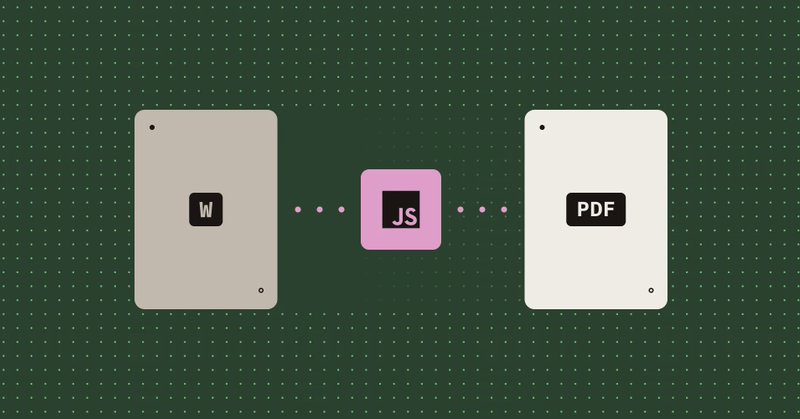
Converting Word documents to PDF used to require server-side tools, Office licenses, or complicated dependencies. Now you can do it client-side in the browser with Nutrient Web SDK — no backend required. Load a DOCX, call exportPDF(), optionally specify PDF/A conformance for
nutrient.io
Learn how to convert DOCX (Word) to PDF entirely in the browser using JavaScript and the Nutrient Web SDK, no server‑side code needed.
0
1
2
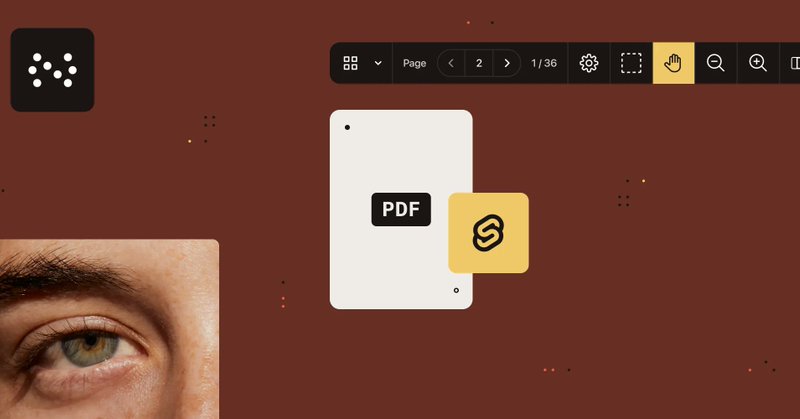
Svelte compiles to efficient JavaScript without a virtual DOM, which means your PDF viewer runs 30% faster than comparable frameworks. This tutorial shows how to integrate Nutrient Web SDK into Svelte with minimal code — annotations, forms, signatures, collaboration features
nutrient.io
Learn how to build a Svelte PDF viewer with Nutrient. Explore step-by-step integration, performance optimization, and key features like annotations, form filling, and digital signatures.
0
1
1
Your support team is drowning in bug reports while engineers wait days for reproduction steps, and critical issues sit in limbo because nobody can recreate the environment. At Nutrient, a support engineer evolved from filing detailed bug reports to submitting pull requests with

nutrient.io
How a support engineer evolved from bug reporter to bug fixer using AI-assisted development workflows to directly contribute code solutions.
0
1
1
Generating PDFs in Angular comes down to two paths: jsPDF for simple tables and reports, or Nutrient Web SDK for anything involving templates, multipage assembly, or forms. One is fast and lightweight. The other won't make you regret your architecture six months later. This
nutrient.io
Discover how to effortlessly generate PDFs in your Angular application using jsPDF and Nutrient Web SDK. This comprehensive guide covers everything from setting up your Angular project to creating...
0
1
1
Building an image viewer with Viewer.js gives you zoom, rotation, fullscreen mode, and keyboard shortcuts. It's open source, works via CDN or npm, and handles the basics without drama. This walkthrough covers both the DIY Viewer.js approach and Nutrient's alternative — which

nutrient.io
Learn how to build a fast, modern JavaScript image viewer using Viewer.js and compare it to Nutrient’s commercial image viewer for enhanced capabilities like annotation, multi-format support, and...
0
1
1
Viewer.js is a lightweight MIT-licensed library for displaying images in Angular apps with zoom, pan, and rotation. It handles JPEGs and PNGs well enough for basic galleries. If your requirements extend beyond "show image, allow zoom," this guide also covers Nutrient's image
nutrient.io
A step-by-step tutorial explaining how to build an Angular image viewer with the Viewer.js library.
0
1
1
Your dev team is spending weeks building features that AI could scaffold in hours, but you're stuck wondering if AI development actually delivers or if it's just clever demos. One Nutrient engineer transformed from AI skeptic to productivity powerhouse by discovering a

nutrient.io
Discover how AI-powered development with Claude Code transformed my workflow at Nutrient. Learn the systematic methodology that delivers genuine productivity gains and comprehensive testing.
0
1
1