
Jasper Flick
@catlikecoding
Followers
12K
Following
316
Media
168
Statuses
2K
Dutch independent developer and tutorial writer for Godot and Unity.
Amsterdam
Joined July 2009
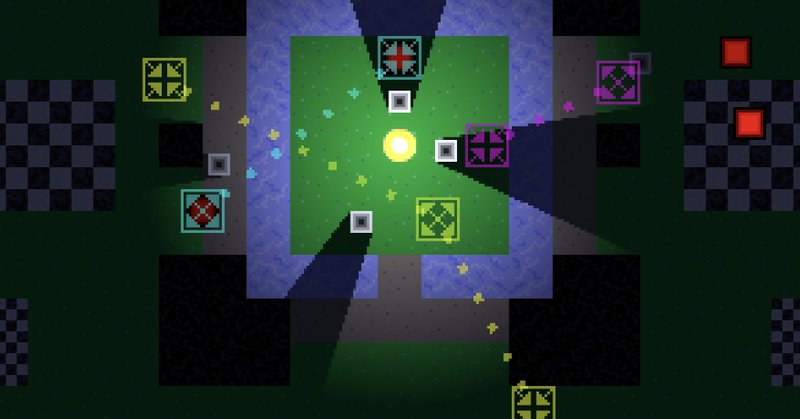
True Top-Down 2D #GodotEngine #gamedev tutorial part 12 adds teleporters to our game. https://t.co/FN56o6tHK6
catlikecoding.com
Add teleporters to our game in Godot Engine 4.
0
0
18
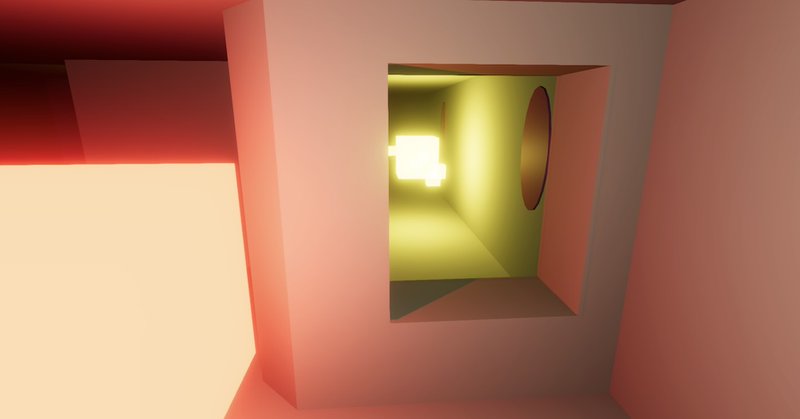
In Maze 5.1.0 #unity3d #gamedev tutorial we add windows to the walls of our maze so we can look through them. https://t.co/kIBahFG4oS
catlikecoding.com
Unity Maze 5.1.0 tutorial, about adding windows to walls.
1
1
16
In part 11 of the True Top-Down 2D #gamedev tutorial series for #GodotEngine 4 we add the best map scores to our game's HUD. https://t.co/QIPI5qWXaD

catlikecoding.com
Always show best scores while playing a game in Godot Engine 4.
0
0
14
In Custom SRP 5.1.0 #unity3d #gamedev tutorial we convert some of our unsafe passes to raster render passes. https://t.co/RZMphKSalm
catlikecoding.com
A Unity tutorial about using raster render passes.
0
1
16
New native AnyDice functions: [highest 2 of 4d6 and 2d8] and lowest variant. This saves you the trouble of defining it yourself. They're also a tiny bit faster, but nothing significant. https://t.co/pCqBvSuQLW

anydice.com
AnyDice is an advanced dice probability calculator, available online. It is created with roleplaying games in mind.
0
0
13
True Top-Down 2D #GodotEngine #gamedev tutorial part 10: This time we add more info to our game's HUD. We show the valid and total detector count. We also show the travel distance and keep track of the best one per map. https://t.co/SqxeFDZa7q

catlikecoding.com
Add extra info to the HUD of a game in Godot Engine 4.
0
0
14
Small new AnyDice QoL feature: You can now trigger calculation by pressing Ctrl/Cmd/Meta + Enter in the text area. https://t.co/pCqBvSuQLW
anydice.com
AnyDice is an advanced dice probability calculator, available online. It is created with roleplaying games in mind.
0
0
8
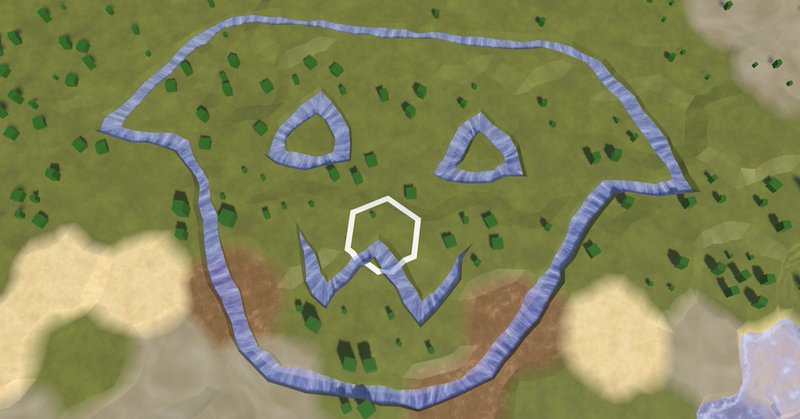
This time we have a small Hex Map #unity3d #gamedev tutorial, to improve the player experience when editing maps. We make drawing rivers more pleasant. https://t.co/4GheKFPpo8
catlikecoding.com
Unity Hex Map 4.1.0 tutorial, about improving the dragging UX.
0
2
17
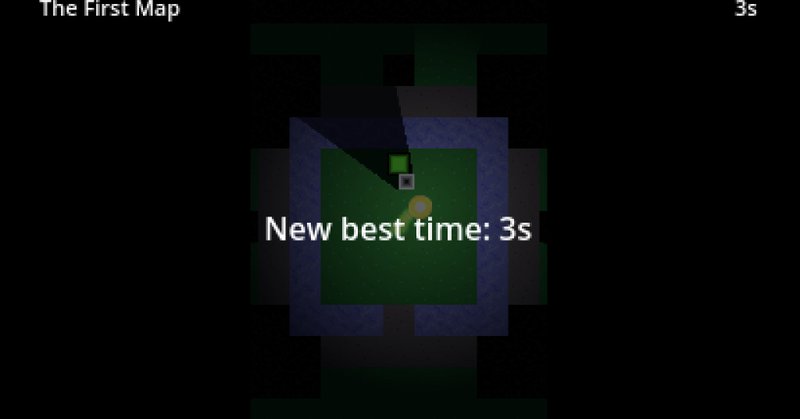
True Top-Down 2D #GodotEngine #gamedev tutorial part 9: adding a simple HUD to our game, showing the current map name and how long the player has been on it. We also keep track of the best map-completion time and show when a new best time is achieved. https://t.co/9HrMCP9nHZ
catlikecoding.com
Add a simple HUD to a game in Godot Engine 4.
0
1
20
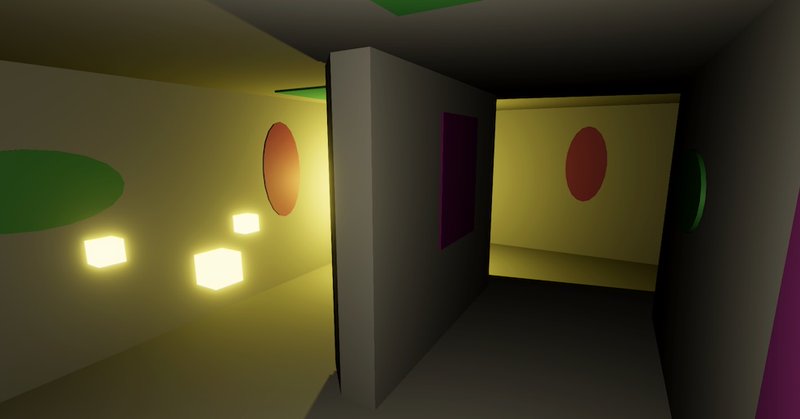
Maze 5.0.0 #unity3d #gamedev #tutorial: We spice up our maze with ornaments, making it more interesting to look at and a bit easier to recognize areas we've already visited before. https://t.co/4SH4QzLUe7
catlikecoding.com
Unity Maze 5.0.0 tutorial, about adding ornaments to cells.
1
1
36

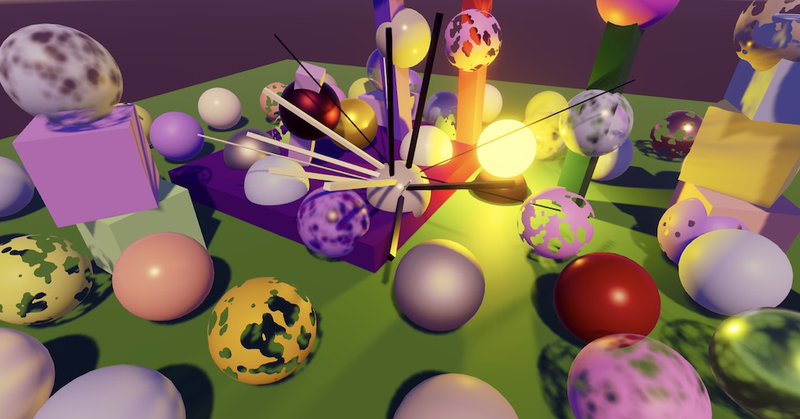
True Top-Down 2D #GodotEngine #gamedev tutorial part 7: map transitions:

catlikecoding.com
Add support for map transitions to a game in Godot Engine 4.
0
2
20
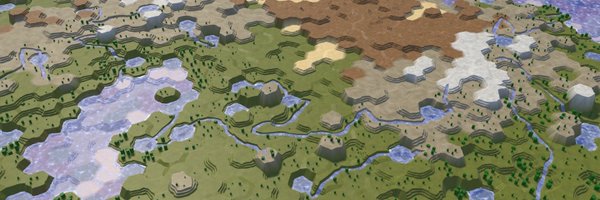
Hex Map 4.0.0 #unity3d #gamedev tutorial, replacing uGUI panels with UI Toolkit ones. https://t.co/FKxUzmYHa3
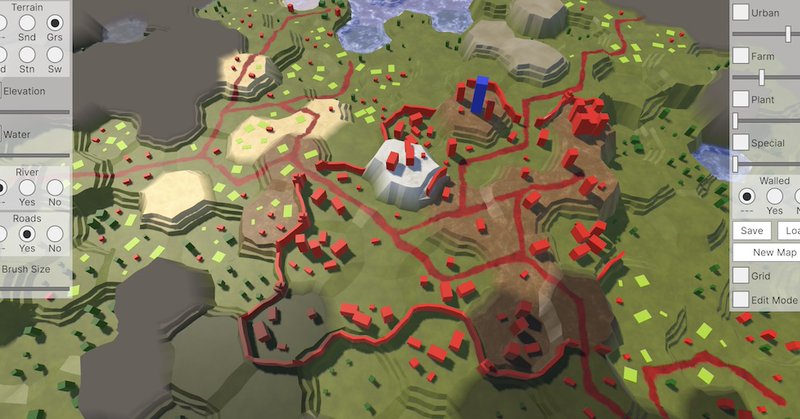
catlikecoding.com
Unity Hex Map 4.0.0 tutorial, about using UI Toolkit to recreate the map UI.
2
4
82

Sleigh the season with the most personal gift around. Get them a Cameo video!
0
62
757
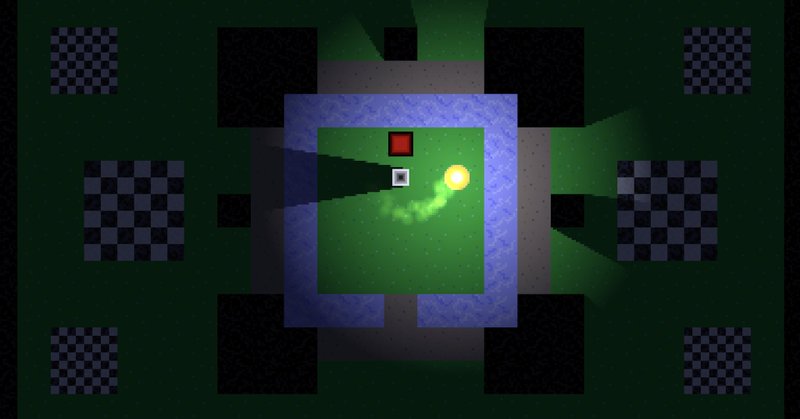
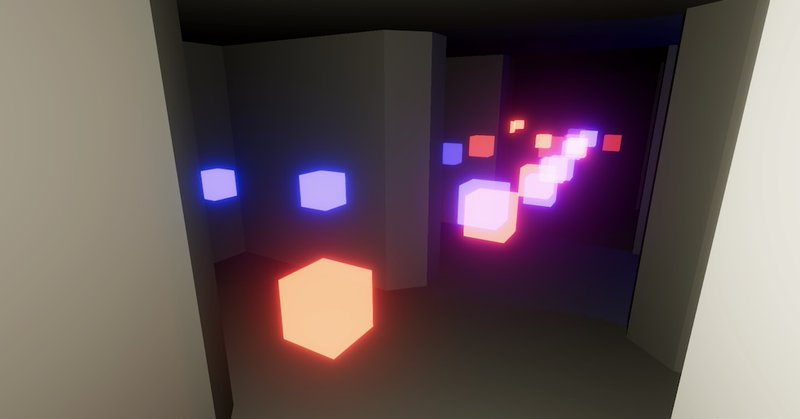
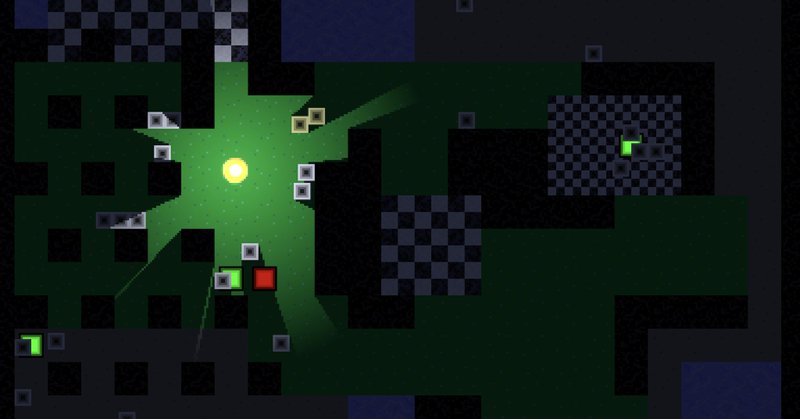
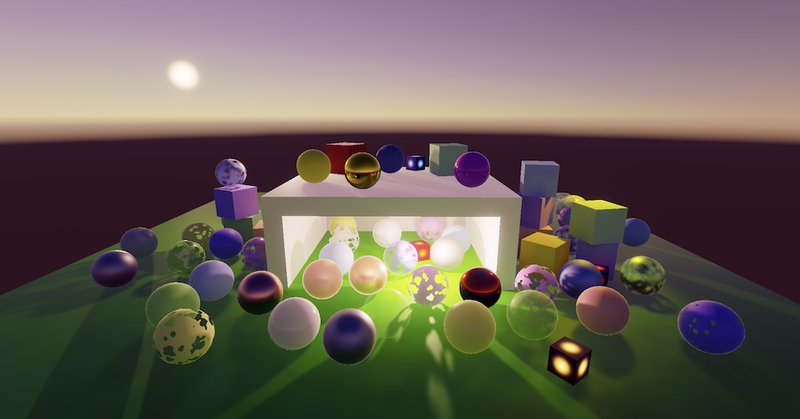

Part 4 of my True Top-Down 2D #godotengine #gamedev tutorial series adds light and shadow:
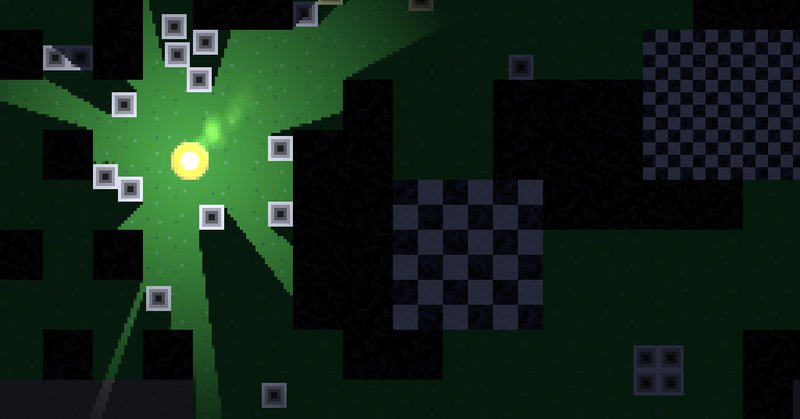
catlikecoding.com
Create Light and Shadow in Godot Engine 4.
1
5
50
Custom SRP 3.2.0 #unity3d #gamedev tutorial simplifies things a bit, in preparation for the migration to Unity 6. https://t.co/lICX1wSEMB
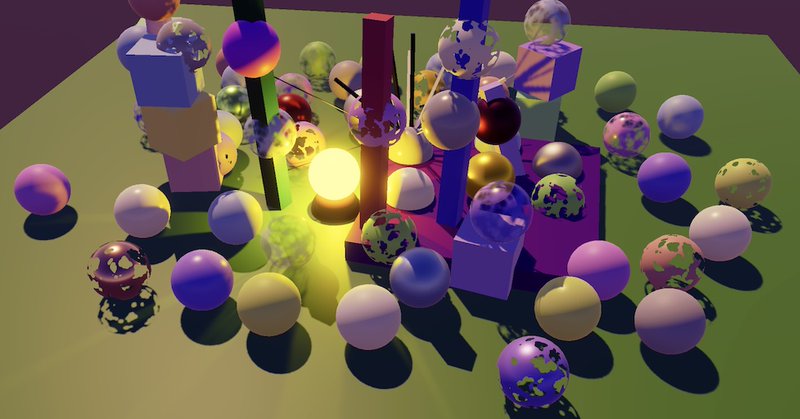
catlikecoding.com
A Unity tutorial about simplifying our RP.
1
14
86