

Pope Tech
@PopeTechA11y
Followers
402
Following
167
Media
42
Statuses
384
Web Accessibility evaluation powered by WAVE. #a11y
Logan, UT
Joined November 2017
Prefer video? Here are three design strategies for making animation and movement more accessible on your site:
blog.pope.tech
Three design strategies for creating accessible animation and movement on your website.
0
1
0
Movement on your website should enhance, not hinder, usability. Our guide shows how to implement reduced-motion support, test effectively, and use pause/stop controls for nonessential motion:
blog.pope.tech
This guide explains how to control or replace animations for users who prefer reduced motion.
1
0
0
Give your site a grayscale check! Learn how to use Chrome DevTools to make sure color isn’t doing all the talking.
0
0
0
Color is all over the web, and contrast rules can be tricky. Our guide makes them simple.
blog.pope.tech
A complete guide to WCAG 2.0 contrast accessibility requirements and contrast tools with examples to help you apply it to your own website.
0
1
0
Testing in grayscale is easier than you think. See how to check your color reliance using the free WAVE tool in just a few clicks.
0
0
0
Red, green, blue… but what about gray? Make sure your colors work for more users with a simple test.
blog.pope.tech
A short guide to grayscale testing: why it matters and how to design visuals that work without color.
0
0
0
Testing matters. Ensure your forms work with screen readers, logical tab order, and proper error messaging. Our demo shows how to catch barriers and confirm fixes:
0
0
1
Accessible forms aren’t optional, they’re essential. From clear labels to keyboard-only navigation, discover the 5 core accessibility principles every form should follow:
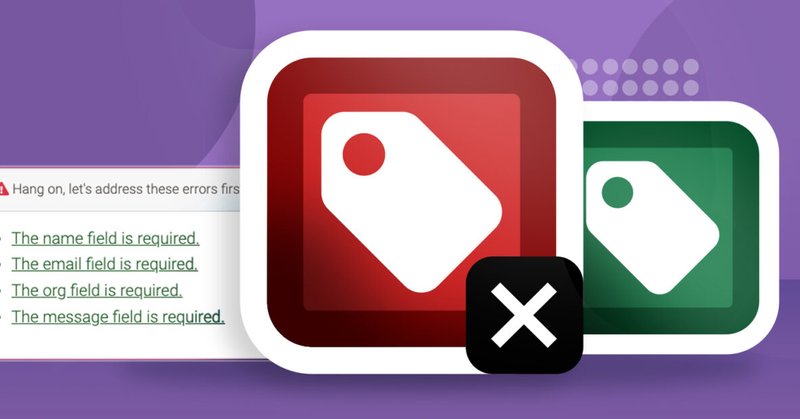
blog.pope.tech
Learn what makes forms accessible, tips on how to make your forms accessible, and exactly how to test your own forms for accessibility.
0
1
1
Small touches, big impact. Auto-formatting phone numbers & credit cards makes forms easier to use. Learn nuanced strategies for error messages, date fields, and other form accessibility patterns:
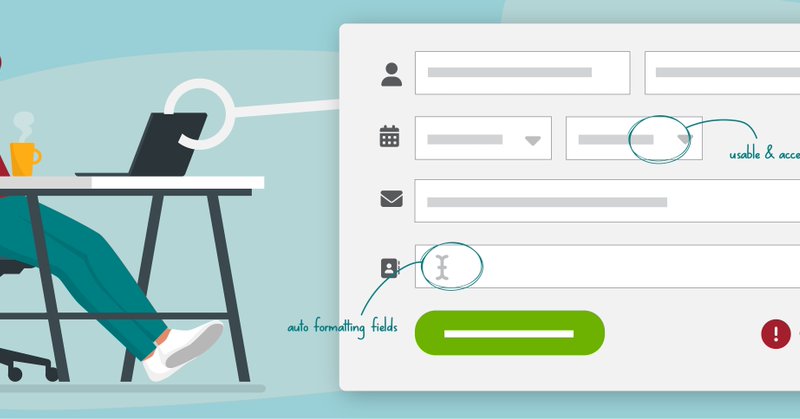
blog.pope.tech
Four form functionalities most websites don't consider.
0
1
1
Error messages aren’t just technical details. They’re a map that guides users back on track. Make them clear, friendly, and accessible so no one gets lost. Learn how:

blog.pope.tech
An accessible form validation design with code.
0
1
2
Bullet points shouldn’t be barriers. Learn to code accessible lists for people relying on assistive technology. Read more:
0
0
0
Without alt text, captions, and other accessibility basics, charts and graphs can be unusable or invisible to assistive technology users. Learn how to make your data visuals accessible:
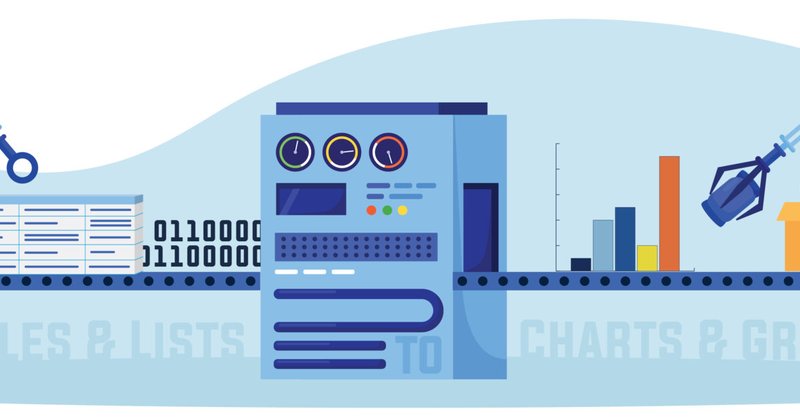
blog.pope.tech
Learn how to make charts and graphs more accessible.
0
1
1
Your table might look fine, but can people with disabilities actually use it? Learn how to code more accessible tables:
0
1
1

That's a wrap for Day 1 of the Web Accessibility in Mind Conference in partnership with @PopeTechA11y ! What are some key takeaways you'd like to share? Tune in tomorrow at 12:15 pm ET for more fantastic web accessibility sessions: https://t.co/ZvEVU9Expl
#a11y #WebAIMConf
0
4
8
Your charts, tables, and graphs aren’t just visuals. They’re how people understand your data. Make them accessible so people with disabilities can engage and act. Learn more about inclusive data:
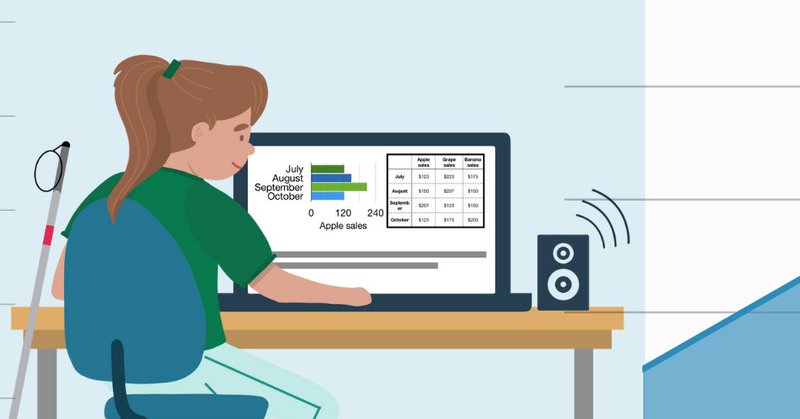
blog.pope.tech
Use these three steps to make sure you use the right data display for your goals, while considering the needs of your users.
0
1
2
Homepages have stunning design, clever copy, and enticing stats. But, they also need a heading structure that users with disabilities can interact with. Learn how to balance a homepage's bells and whistles with heading accessibility:
0
0
1
Heading structures aren’t always straightforward. In this article, we answer questions like: can I use multiple H1s?; are skipped headings ever okay?; and do I have to start my page with an H1?
0
0
3
Learn more about 5 heading issues to avoid to keep your headings accessible:
blog.pope.tech
In this video, we cover five heading accessibility issues.
0
0
0
Headings must be logical and use proper HTML so assistive technology can present headings in a way that’s helpful for users with disabilities.
1
1
0
Burnout is common in the accessibility field. We’re excited to hear from @Anne_Spencer_ at the Web Accessibility in Mind Conference in partnership with @PopeTechA11y to learn more about her work supporting fellow accessibility specialists. Register today! https://t.co/ZvEVU9F5eT
0
2
6